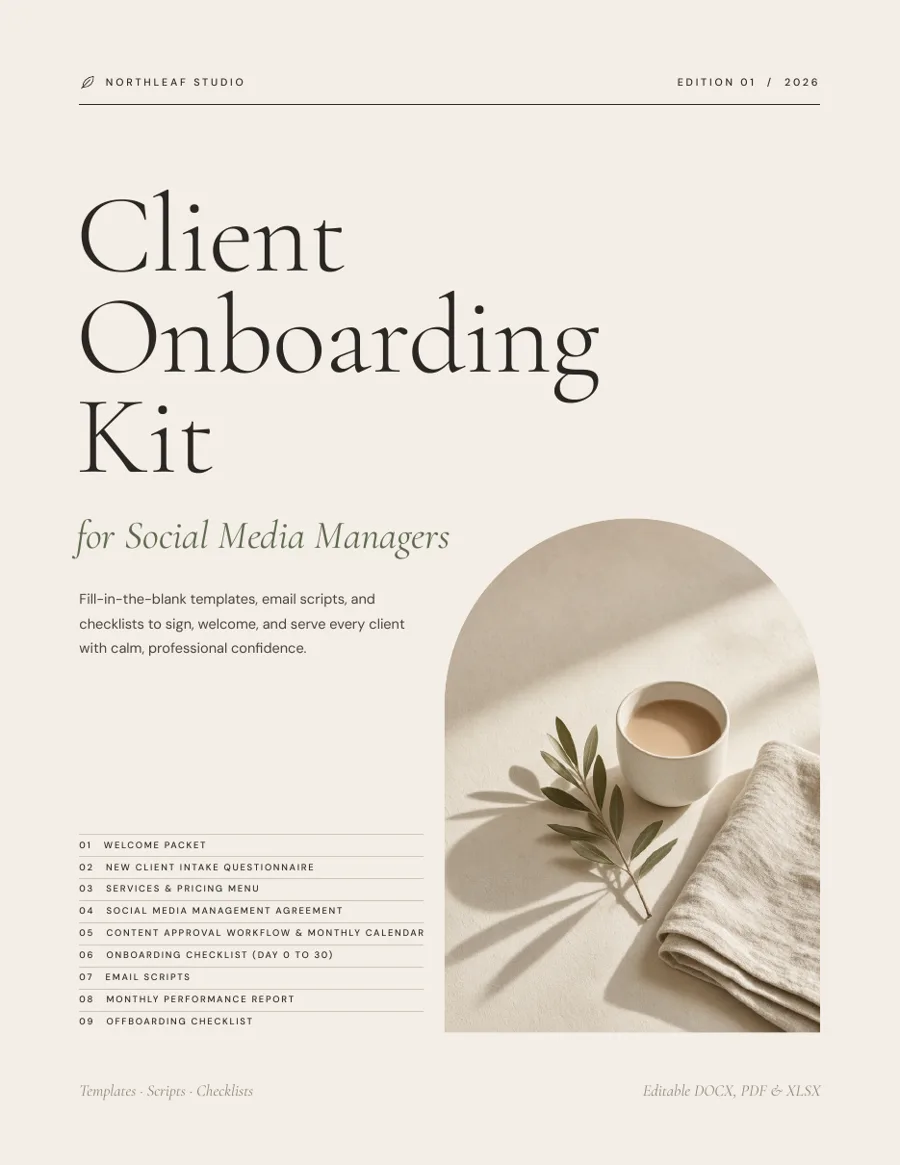
Client Onboarding Kit. Sign, welcome and manage clients like an established studio.
You’ve landed a new social media client. Now you need a welcome packet, an intake form, a contract, a pricing menu, an approval process and the right email for every step — and they need to look professional. This kit gives you all of it, ready to personalise in an afternoon and reuse for every client after that.
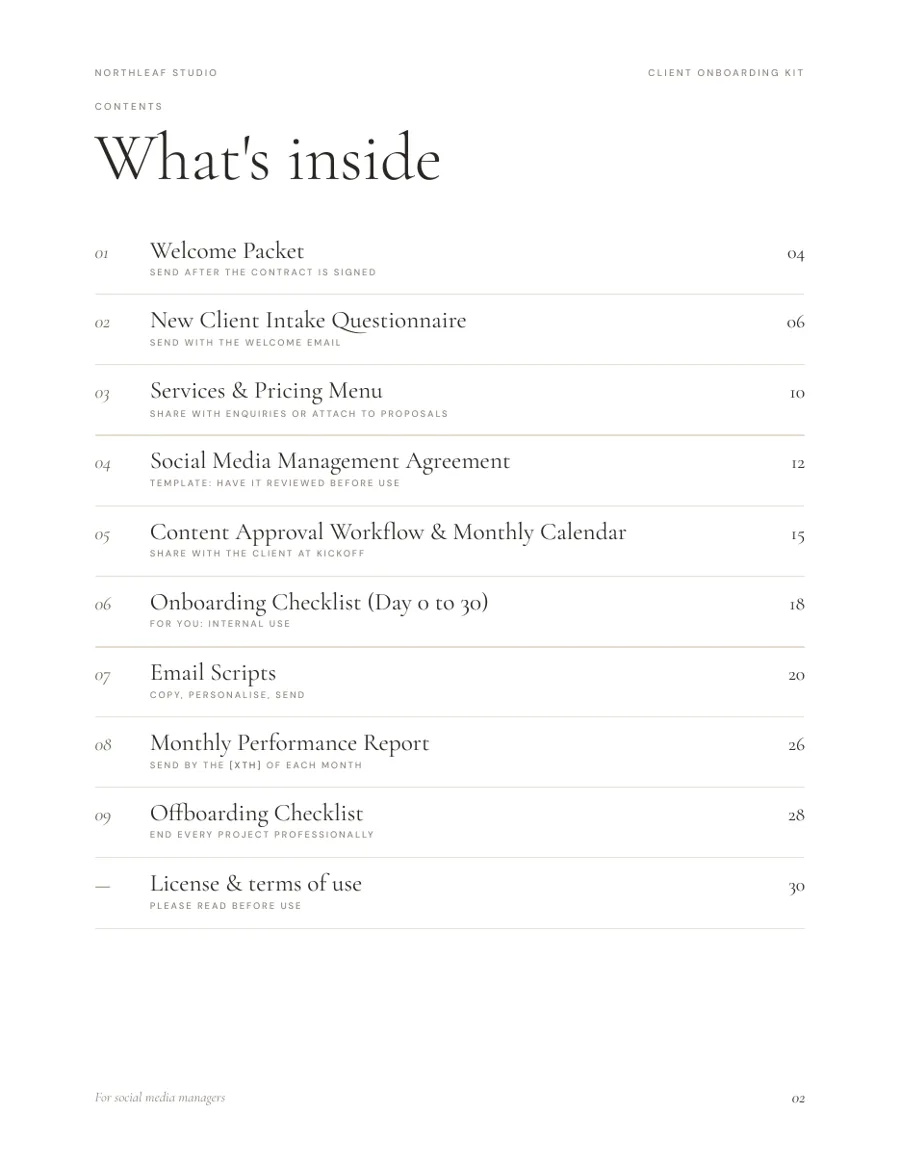
- 01Welcome Packet
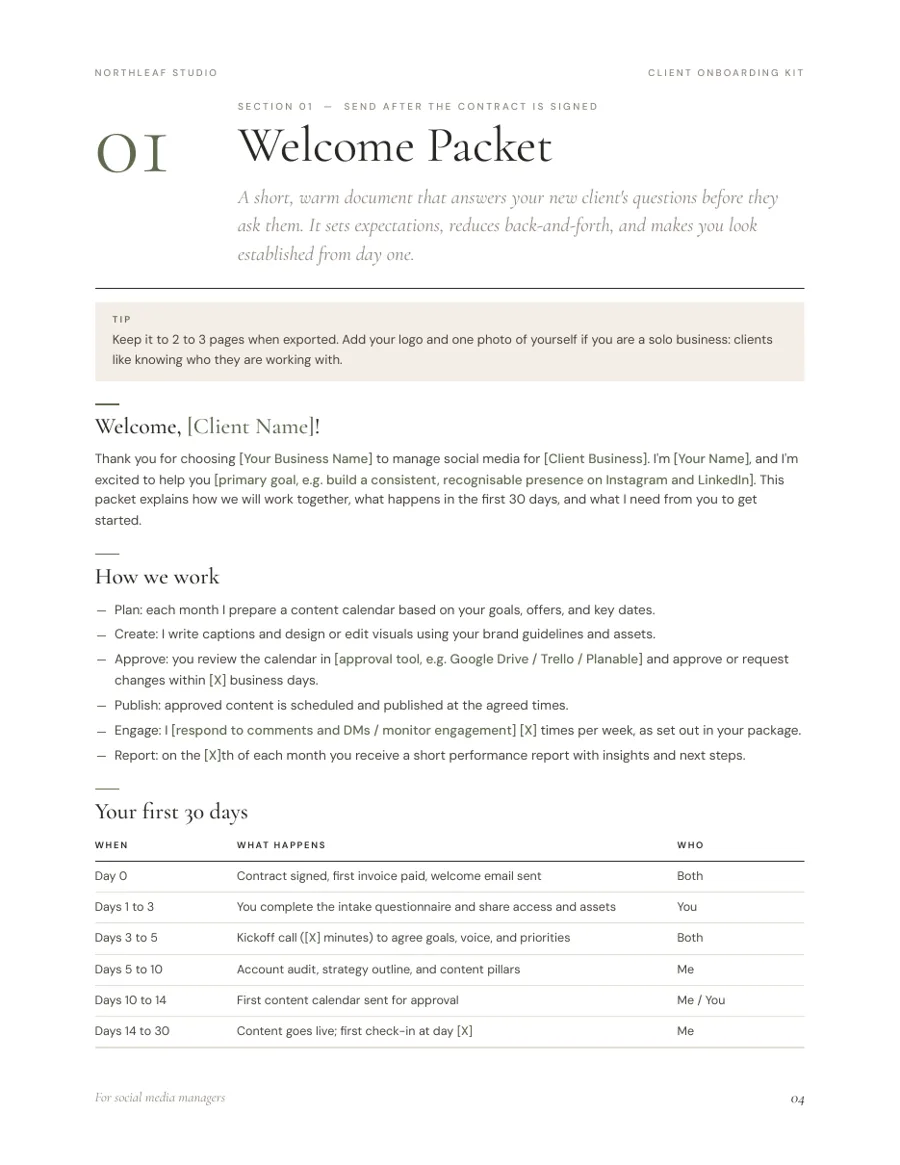
Intro, how you work, first-30-days timeline, hours and response times, a “what I need from you” checklist. - 02New Client Intake Questionnaire
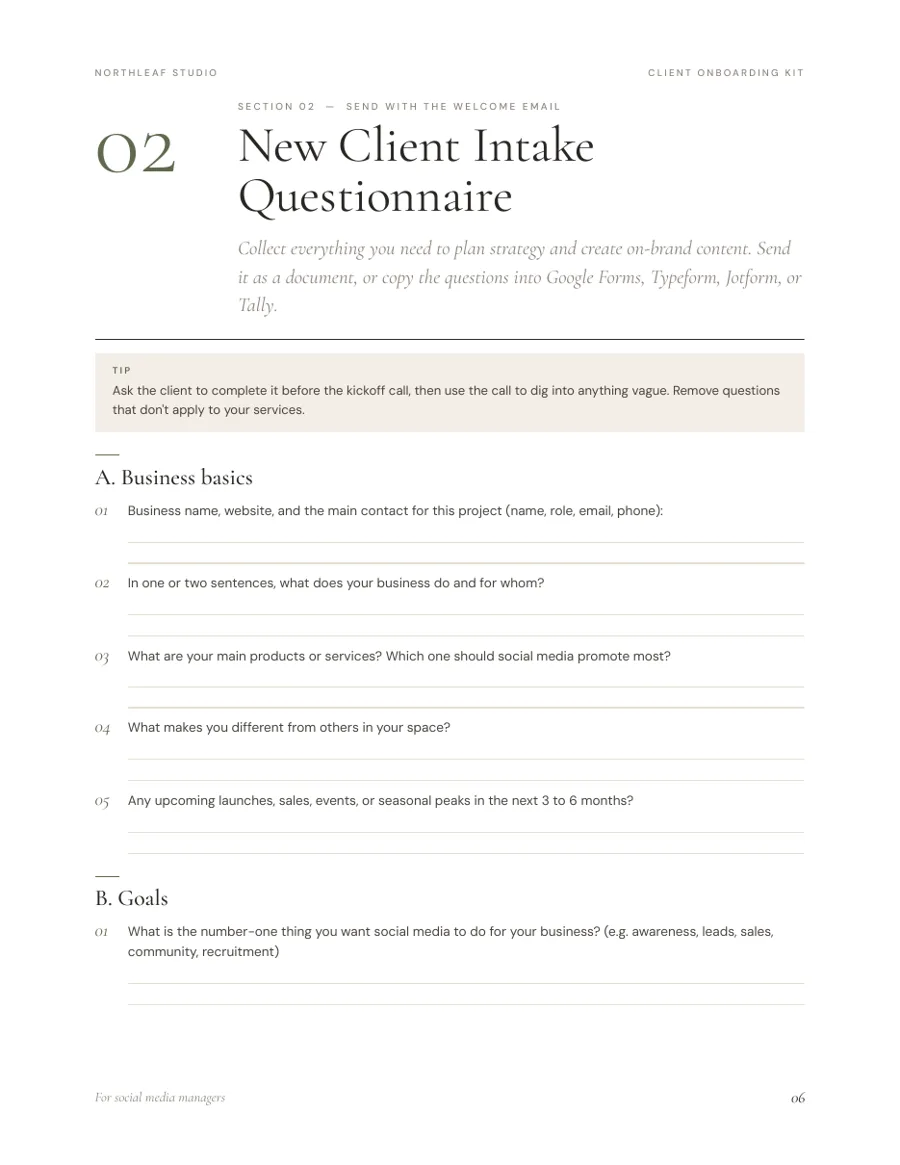
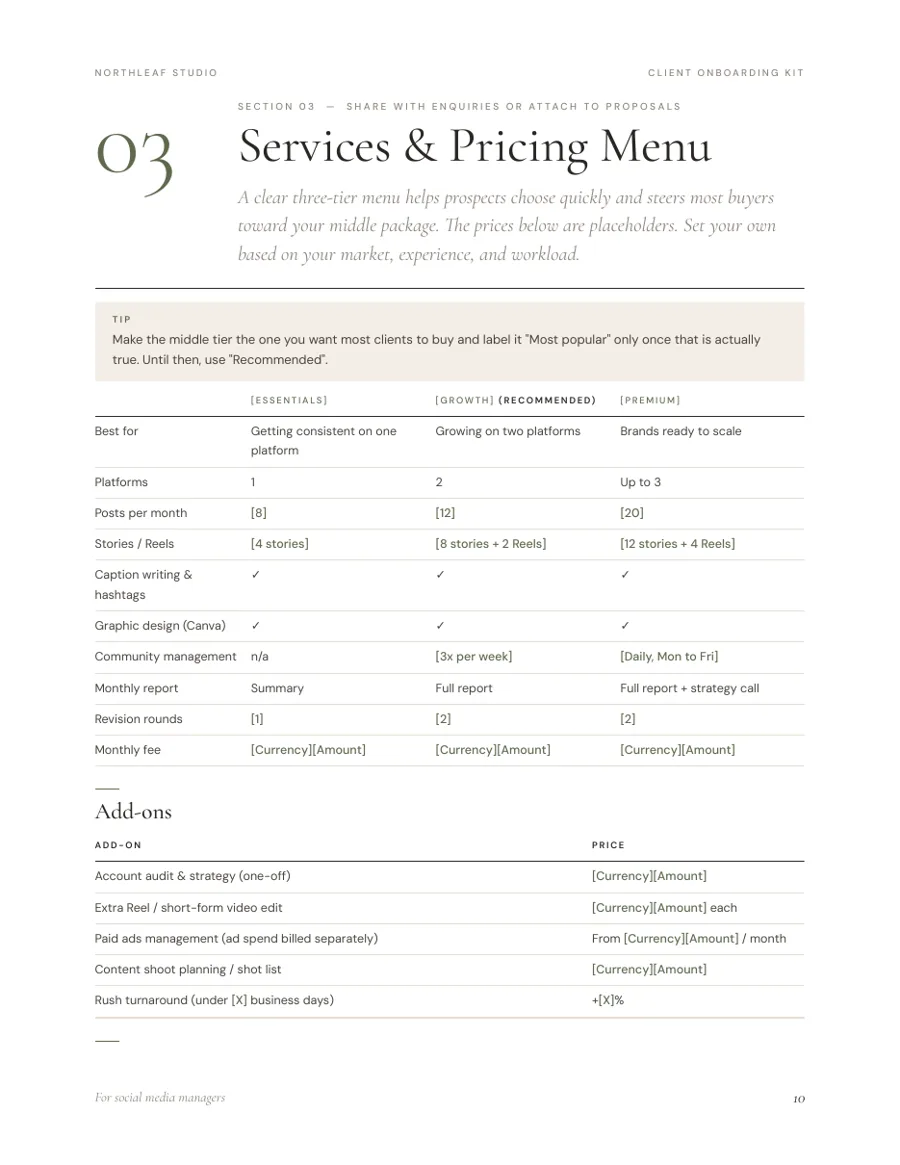
22 questions plus a platform table, and a secure access checklist. - 03Services & Pricing Menu
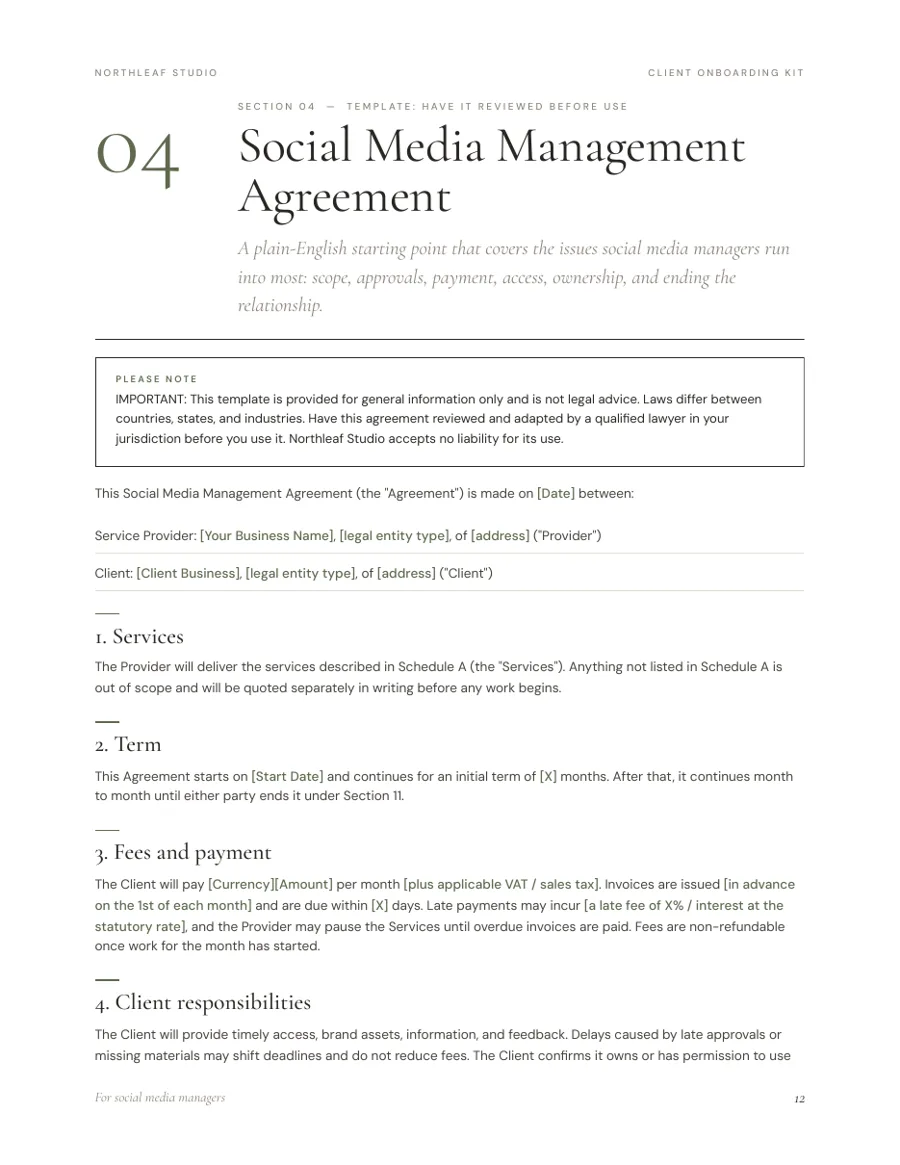
A 3-tier package table, add-ons, terms, and tips on setting rates. - 04Social Media Management Agreement
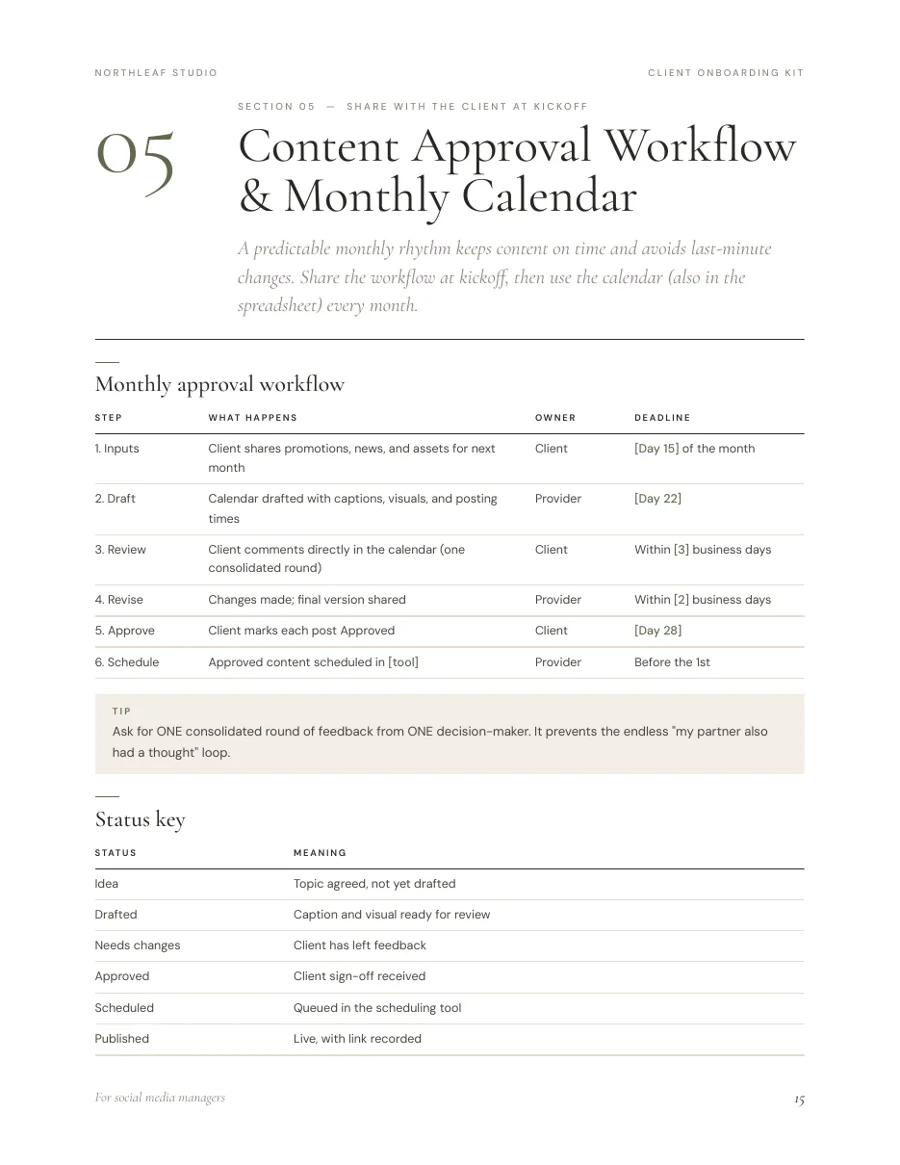
Plain-English clauses for scope, approvals, payment, access, ad spend, ownership, termination. Not legal advice. - 05Content Approval Workflow & Calendar
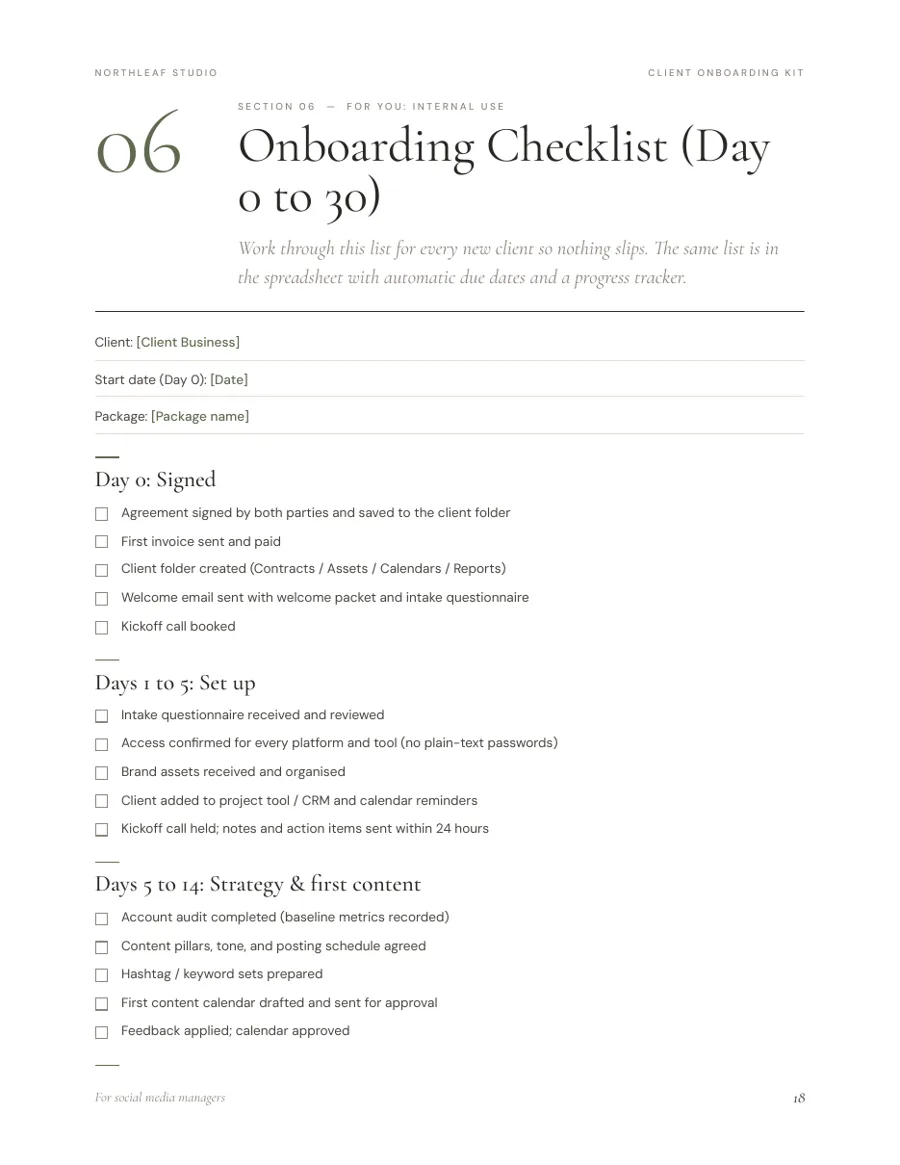
A 6-step monthly approval rhythm, status key and a printable calendar page. - 06Onboarding Checklist, Day 0–30
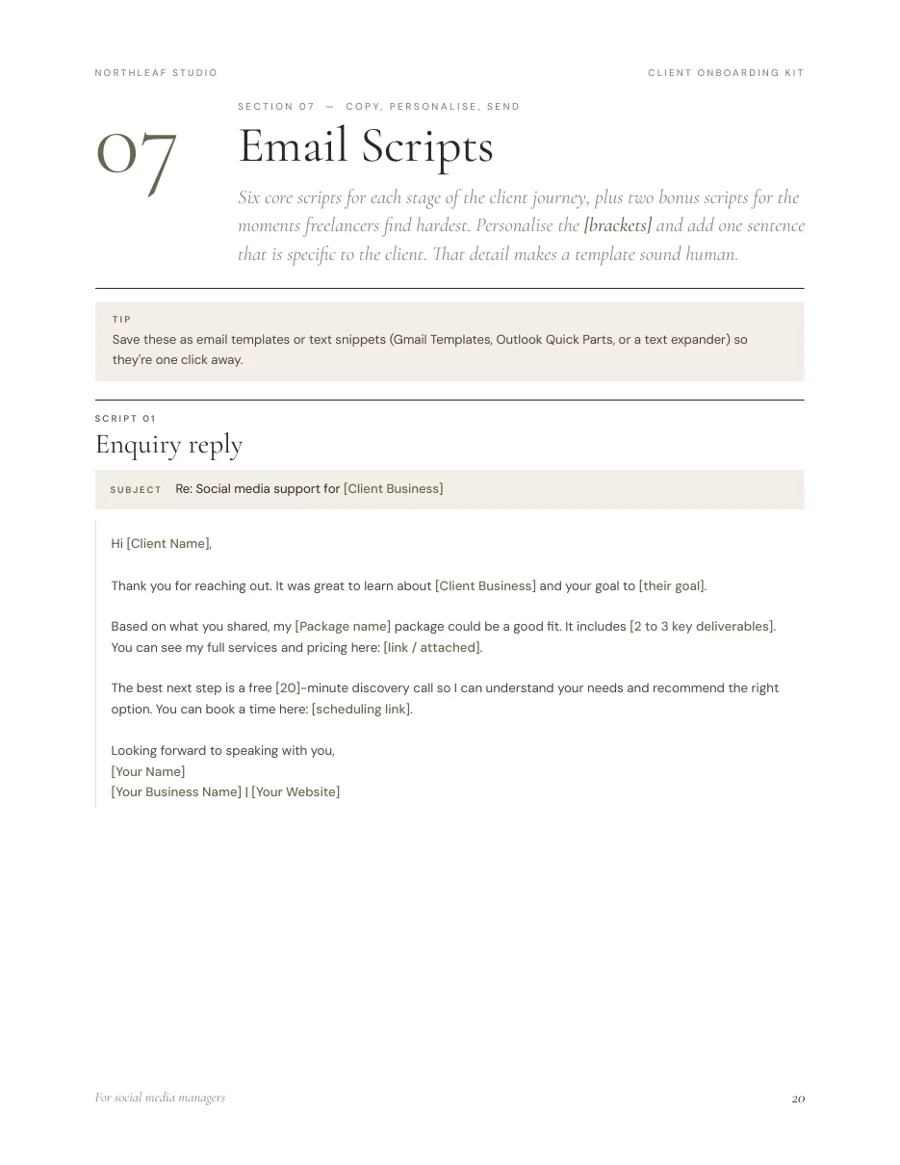
Every task from signed contract to first monthly review. - 07Email Scripts, 6 + 2 bonus
Enquiry reply to offboarding, plus an approval reminder and an out-of-scope reply. - 08Monthly Performance Report
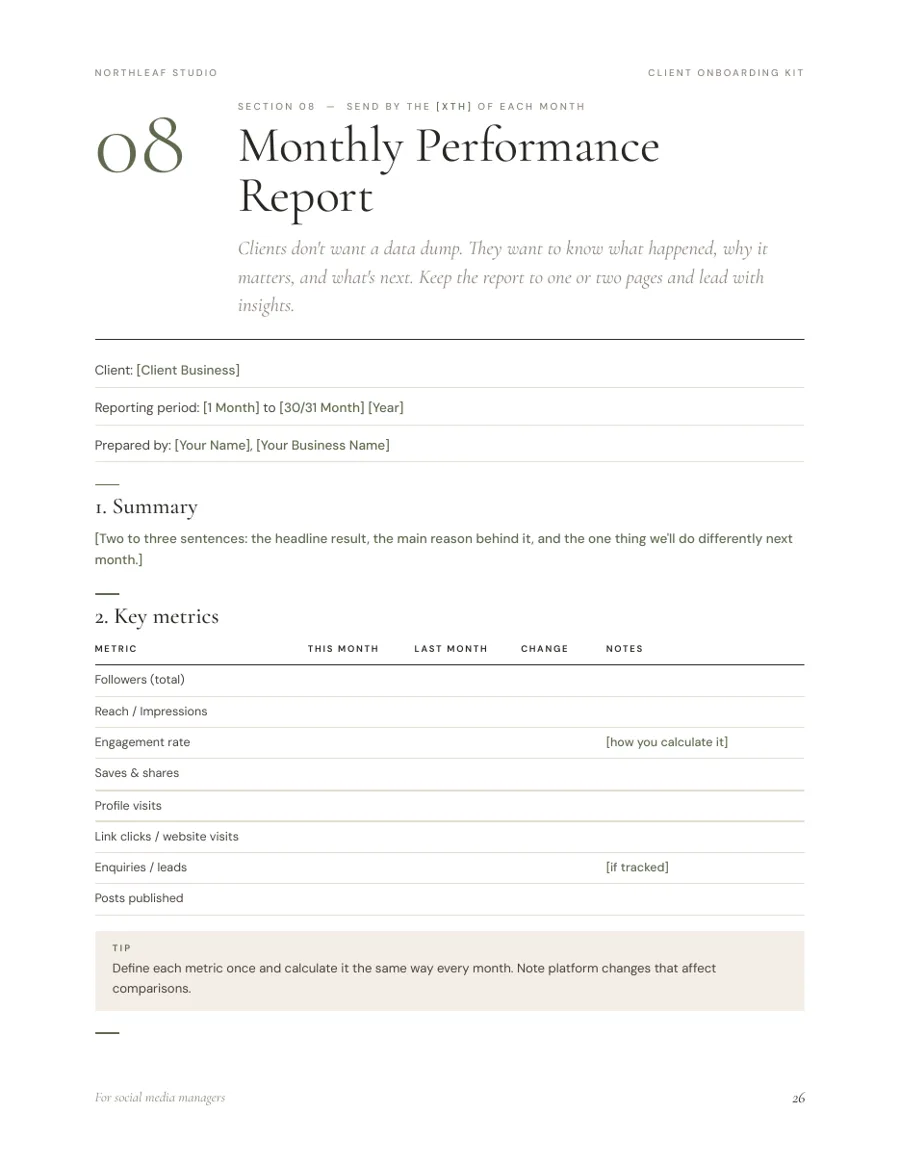
Summary, key metrics, top content, insights, goals vs. progress, next month’s plan. - 09Offboarding Checklist
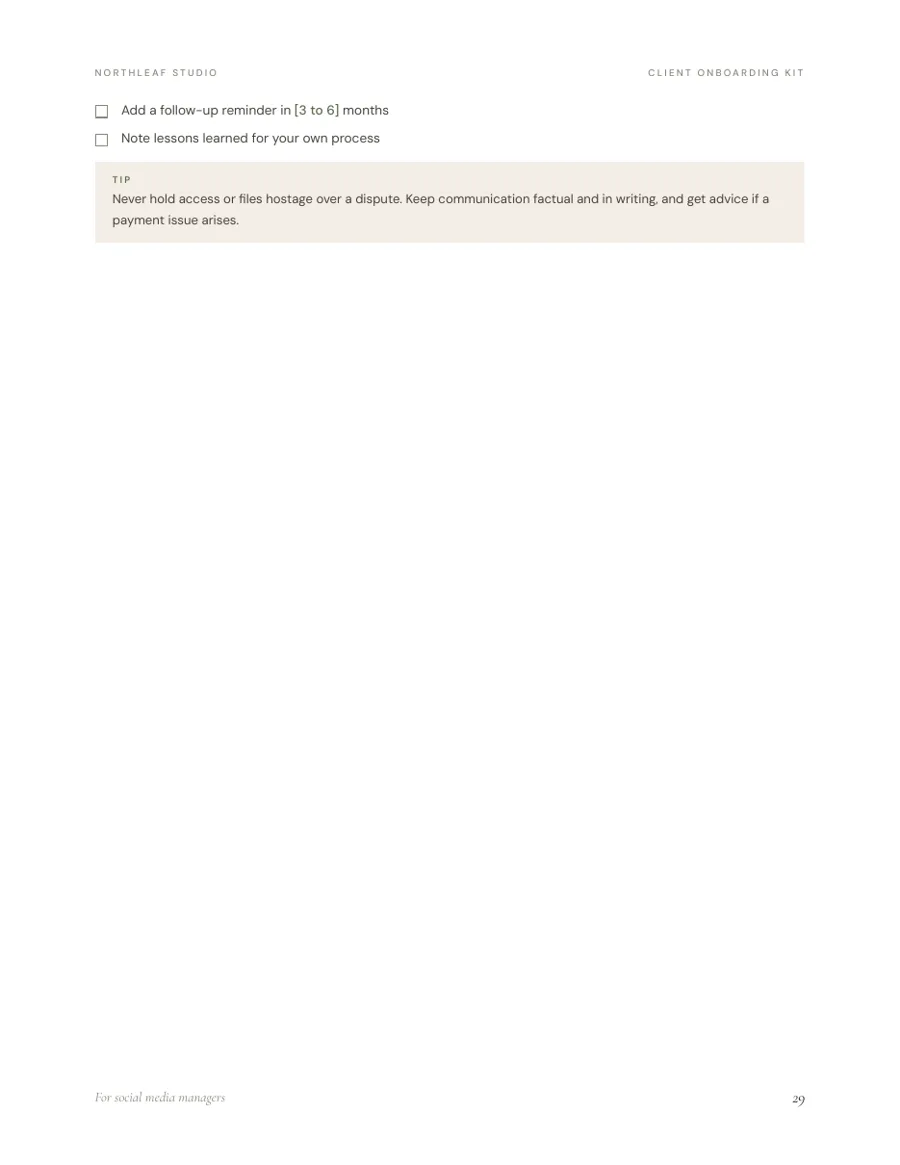
Billing, handover, removing access securely, asking for a testimonial.
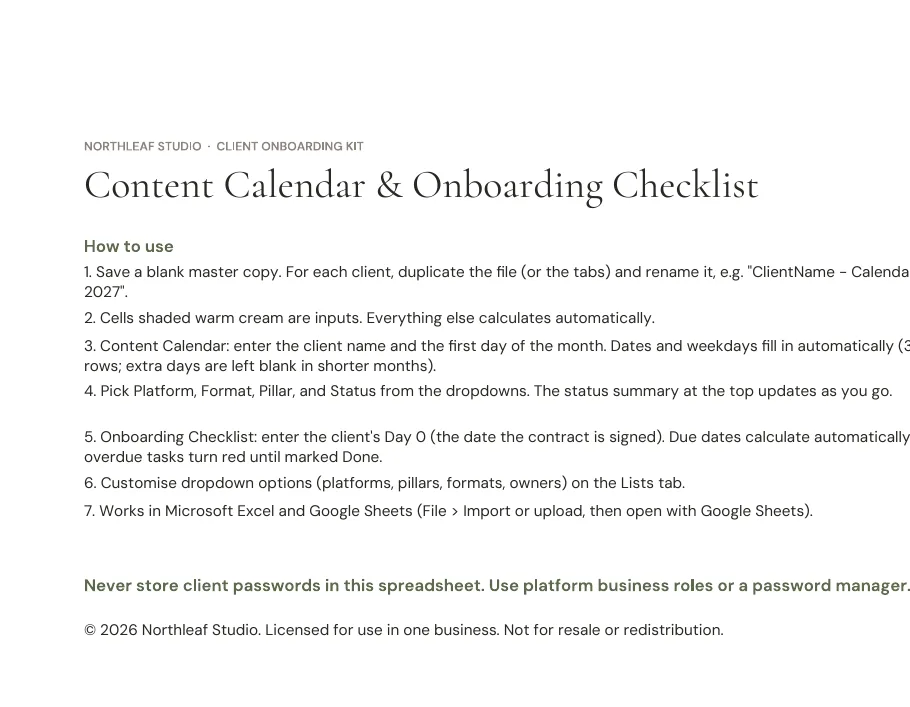
Content calendar: dates fill in from one start date, with dropdowns for platform, pillar, format and status. Onboarding tracker: due dates calculate from Day 0, overdue tasks turn red, progress updates as you go. Works in Excel and Google Sheets.
Freelance social media managers, virtual assistants who offer social media services, and small studios taking on their first retainer clients.
Not for you if you need custom legal drafting or a done-for-you Canva design system.
What software do I need?
Any word processor that opens .docx — Word, Google Docs, Pages or LibreOffice — and Excel or Google Sheets for the spreadsheet. No Canva account needed.
Can I add my own logo and colours?
Yes. Everything in the DOCX is editable: fonts, colours, text and layout. If you edit in Word or Excel, install the two fonts from the Fonts folder first.
Is the contract legally binding?
It’s a starting template, not legal advice. Laws vary by country and state, so have it reviewed by a qualified lawyer before you use it.
Is it for the US or UK?
Both. Placeholders cover currency, VAT/sales tax and governing law. The PDF is US Letter; the DOCX can switch to A4.
Can I send these documents to my clients?
Yes. That’s what they’re for.
Do you offer refunds?
Yes. Request a refund within 30 days of purchase and you’ll get your money back in full.
Personal / single-business licence. Use and customise the templates for your own business and send the finished documents to your own clients. No reselling, sharing or redistribution.